


Speedometer
Type 1
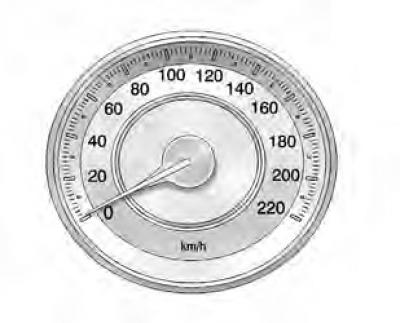
Type 2
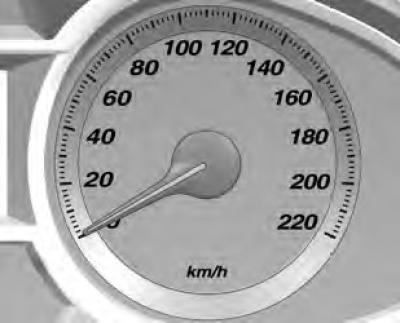
Indicates the speed of the vehicle.
Odometer
Type 1
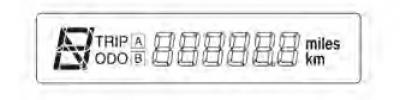
The odometer shows the vehicle's mileage in kilometers or miles.
The vehicle has two independent trip meters that show the distance traveled since the last reset.
To reset each trip meter, press and hold the trip meter button. The trip meter button is located in the lower right quadrant of the speedometer.
The odometer button allows you to switch between distance meters A and B.
Type 2
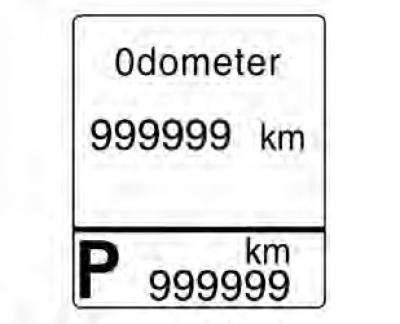
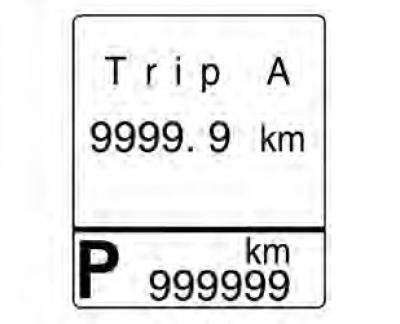
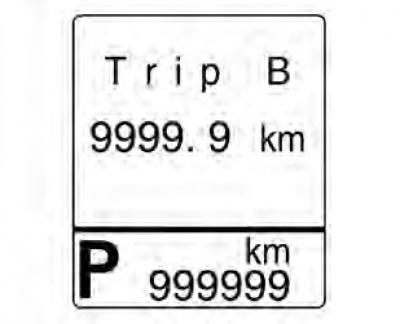
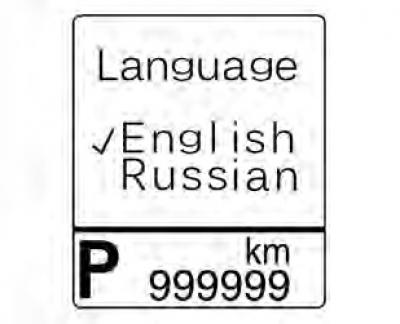
If your vehicle has a DIC display in the center of the instrument cluster, the odometer, trip meter A, trip meter B and language are displayed on the DIC display.
Switching between the odometer, trip meter A and trip meter B readings is accomplished by pressing the button located at the bottom left of the speedometer.
When the odometer is displayed, press and hold the button to enter the language menu. The vehicle must be stationary and the gearshift lever must be in position P.
To select a language, press the button again.
To reset each trip meter, press and hold the button until it resets.
Tachometer - Gasoline
Type 1
Type 2
Tachometer - Diesel
Type 1
Type 2
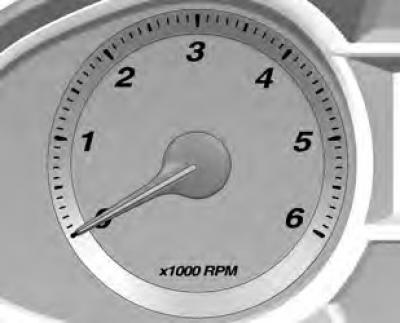
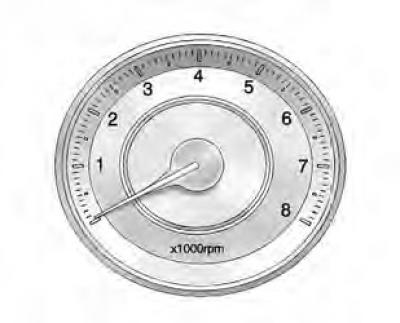
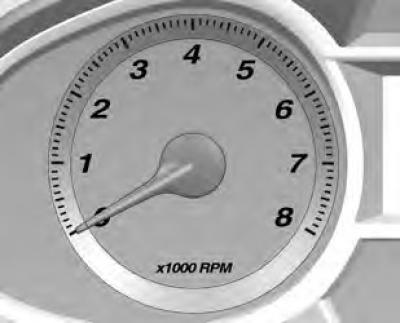
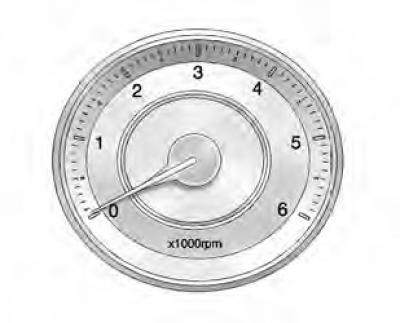
Shows the engine crankshaft speed in revolutions per minute.
Whenever possible, try to drive in the low engine speed range in each gear.
Caution: If the indicator goes into the warning zone, it means that the maximum permitted engine speed has been exceeded. The engine may be damaged.