


Contents: Turning on the system ↧ System controls ↧
Turning on the system
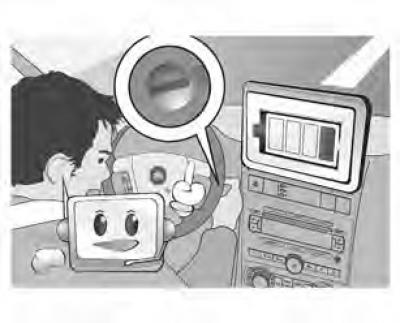
The navigation system starts when the ignition key is turned to the ACC or ON position. Once the system starts, the last mode used is displayed on the screen.
When the engine is turned off, the system power is turned off. After the engine is turned off, the system saves data for 30 seconds and then turns off.
Note: After the engine is turned off, the last used mode is saved.
If you start the system within 30 seconds of removing the ignition key, the system will start without booting.
To reboot the system, press and hold the MENU and TRIP buttons simultaneously for 10 seconds. Release the buttons when the system begins to reboot.
System controls
The navigation system control panel contains the following hardware buttons.
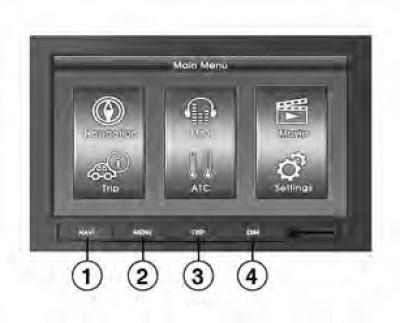
- 1. NAVI: navigation
- 2. MENU: main menu
- 3. RIP: On-board computer data
- 4. DIM: brightness adjustment
The article is reprinted from the website: CHEVYMAN