


Contents: Volume ↧ Screen ↧ Touch screen ↧ System Information (system… ↧ System Upgrade (system update) ↧ Navigation Upgrade (updating… ↧ User Preference (user settings) ↧ Language (language) ↧ Time zone ↧
Volume
1. MP3, movies, FM/AM, CD
The volume level is adjusted by turning the corresponding button on the audio system body or by pressing the switch button on the steering wheel.
Pressing the volume button mutes the sound. Pressing it again restores the sound.
To mute the sound, press and hold the volume button for 3 seconds. When the system is turned off, the climate control system data is displayed on the system screen.
2. Navigation
The volume level of the voice guidance changes only in navigation mode. You can also turn off the voice guidance.
You can adjust the volume of navigation system announcements in relation to other audio sources.
Screen
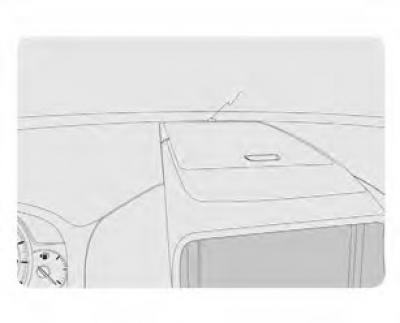
By pressing the DIM button you can reduce the screen backlight to 70%.
The backlight brightness has 3 levels of adjustment. (On → 50% → 70% → On) Press and hold the DIM key for 3 seconds to turn off the display. When the screen is off, the GPS location function continues to work.
The screen turns on again when you press any key.
Note: The screen brightness is adjusted automatically depending on the external light.
Do not place foreign objects on the instrument panel.
Touchscreen: Calibrate the touchscreen.
System Information: Displays information about the navigation system software.
System Upgrade (system update): Navigation Upgrade (updating navigation information) User settings: Customize the system according to user requirements.
Touch screen
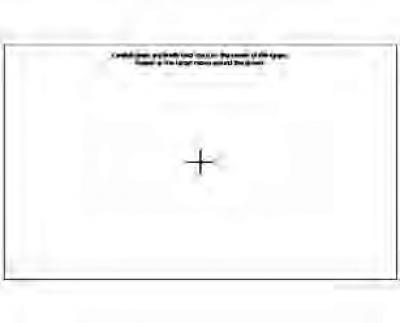
You can calibrate your touchscreen if it doesn't respond to your touch properly.
Touch the center of the screen with the stylus. When the object moves, touch the stylus to another object. Repeat these steps each time to complete the calibration process.
System Information (system information)
The current system version is displayed.
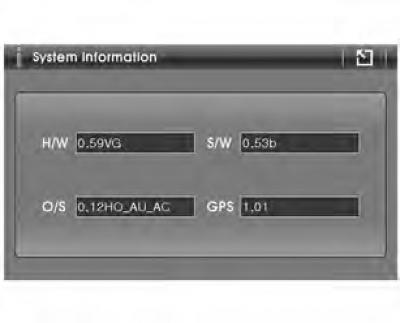
- H/W: hardware
- S/W: software
- O/S: Operating System GPS: GPS Firmware
System Upgrade (system update)
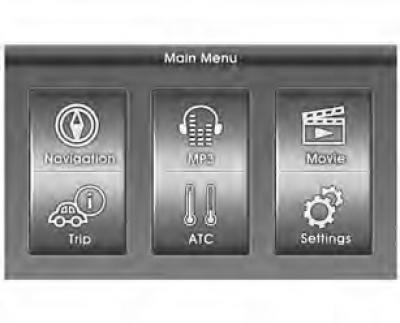
Insert the SD card containing the software update into the SD card slot. (To obtain an SD card containing the software update, contact your authorized GM dealer.)
Press the hardware MENU button and the touch Settings button.
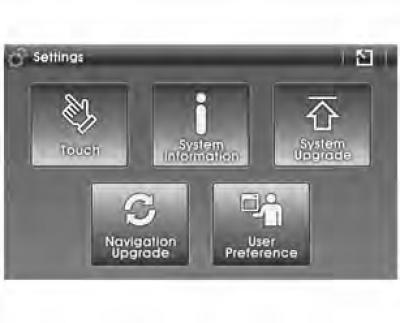
Click the System Upgrade button (system update).
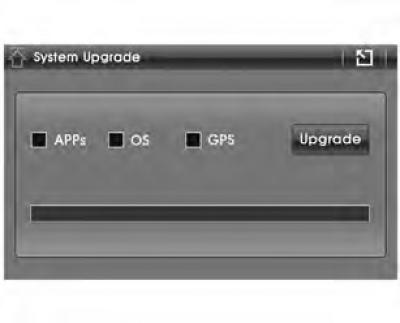
Click the UPGRADE button to update the system. If you do not want to update a specific system, uncheck the box to disable the update function.
Caution: To avoid damage to the system, do not remove the SD card, turn off the engine, or use the system during the update process.
Navigation Upgrade (updating navigation information)
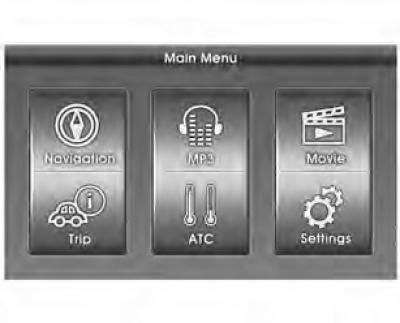
Insert the SD card containing the software update into the SD card slot. (An SD card containing the navigation system update can be purchased from an authorized GM dealer.)
Press the hardware MENU button and the touch Settings button.
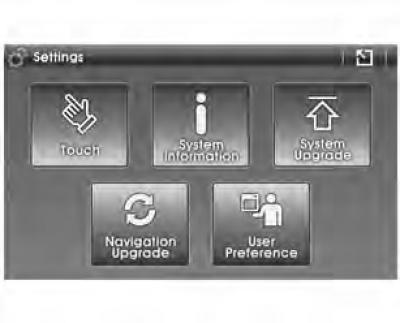
Click the System Upgrade button (system update).
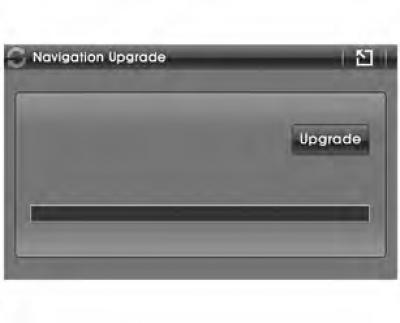
Press the UPGRADE button to update the navigation information.
Please note: The update process may take up to 25 minutes depending on the size of the files.
User Preference (user settings)
To make it easier to use, the navigation system can be customized according to user requirements. Display, language, time zone settings can be adjusted. To confirm your selection, click the Save button.
Units of measurement
Allows you to change the units of measurement used in the system.
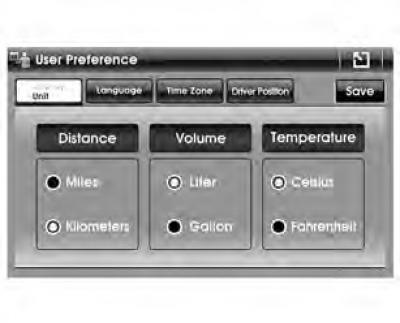
- Distance: miles or kilometers
- Temperature: degrees Celsius or Fahrenheit Volume: liters or gallons
Note: If you select gallons as the volume unit, the distance unit in the Route Information section will automatically be set to miles.
Language (language)
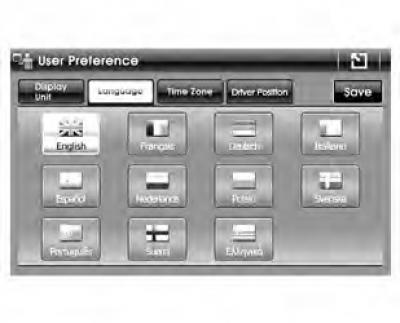
Select the desired language. The system supports 11 languages for displaying text in the main menu. The navigation system menu also supports 11 languages for displaying text and voice messages.
Time zone
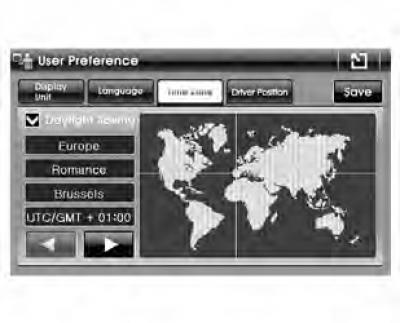
Use the button
 , to select the desired time zone. Check the box next to Daylight Savings (summer time), if necessary. (Switching to daylight saving time does not occur automatically.)
List of time zones available for selection.
| Time zone | Display |
| Standard Roman Time | (GMT+01:00) Brussels |
| Greenwich Mean Time | (GMT+00:00) London |
| Western European Standard Time | (GMT+01:00) Amsterdam |
| Central European Standard Time | (GMT+01:00) Sarajevo |
| Central European Standard Time | (GMT+01:00) Belgrade |
| Standard GTB time | (GMT+02:00) Bucharest |
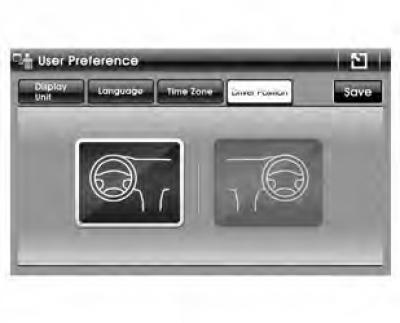
Depending on the location of the driver's seat in the car, you can choose right-hand or left-hand drive.
(The original source of the article is the website: «chevyman.ru»)