


Figure 3.1 Free navigation map
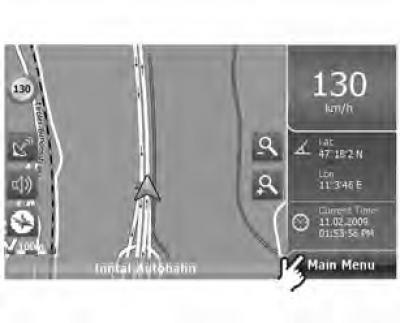
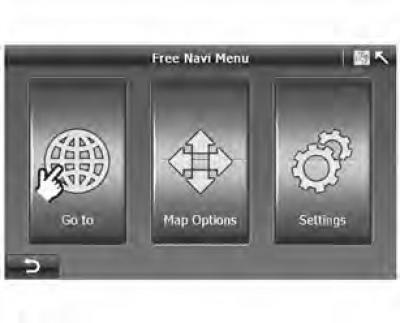
Figure 3.2 Free navigation menu
To navigate using the A-Navi system or to plan a route, you must first enter your destination and then calculate the route.
On the free navigation map (figure 3.1) click "Main Menu" (main menu), to open "Free Navi Menu" (free navigation menu) (figure 3.2), then click "Go to" to open "Search Menu" (search menu) (figure 3.3).
Fig 3.3 Search menu
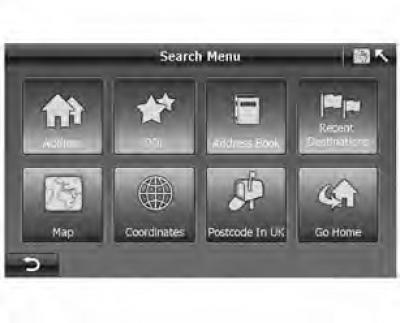
In the search menu, the A-Navi system provides six different ways to specify an address, city, POI object (point of interest) and other locations that can be selected as a starting or destination point.
This chapter describes the settings in sequence.
(Original version of the article on the website «chevyman.ru»)