


Contents: A/C button ↧ Switching air distribution modes ↧ Air recirculation mode button ↧ Fan speed control knob ↧ Glass blowing ↧ AQS ↧ Display of outside temperature ↧ Changing Temperature Units ↧
A/C button
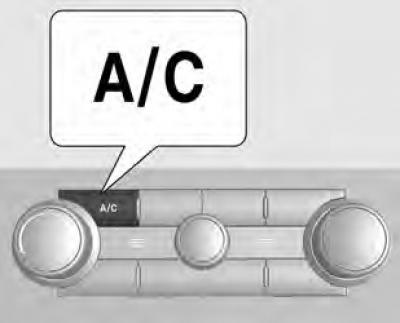
Turns the air conditioner on and off. Pressing this button turns off the AUTO mode (automatic mode) and the corresponding indicator goes out.
When the air conditioner is turned on, the indicator lights up (
 ).
).
To turn off the air conditioning system, press the A/C button again. To turn off the entire climate control system, press the OFF button.
Switching air distribution modes
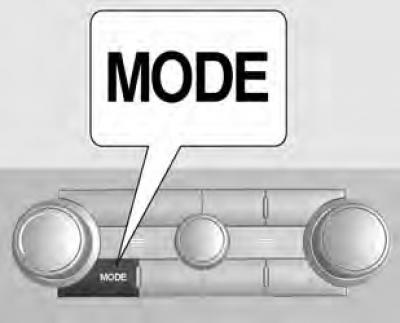
Pressing the MODE button cancels the automatic mode and switches the air distribution modes in the following order. FRONT ZONE (
 ) → MIXED MODE (
 ) → FLOOR (
 ) → FOOT ZONE/GLASS DEWASHING (
 )
)
Air recirculation mode button
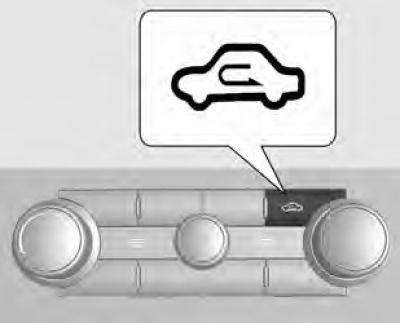
Used to select the outside air intake mode or the air recirculation mode.
Fan speed control knob
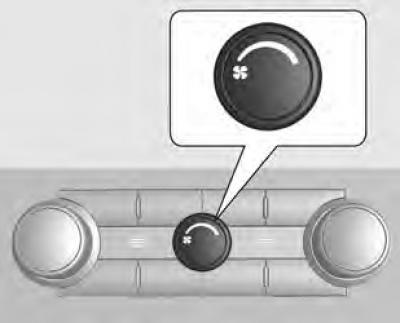
This button is used to control the fan speed.
Rotating this button cancels the automatic mode.
Glass blowing
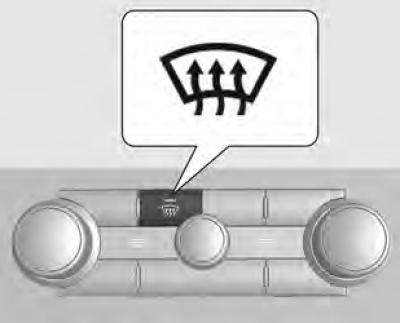
Press the "Window defrost" button (
 ) to clear the windshield of ice. The air conditioner and outside air recirculation mode are turned on automatically.
The fan speed is controlled by the air supply control handle.
This mode can be turned off by pressing the frost removal mode button, air distribution mode button or AUTO button again.
AQS
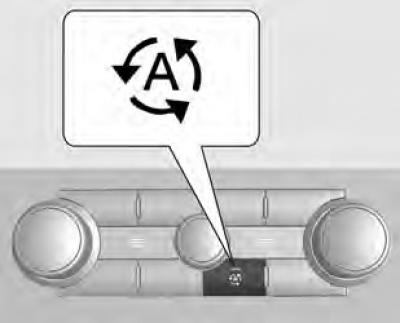
AQS (air quality sensor) automatically switches the ventilation mode to air recirculation mode to prevent exhaust gases from entering the cabin and prevent air pollution in the cabin.
To turn on the air quality control mode, press the AQS button. The indicator light on the button will light up.
To turn off the air quality control mode, press this button again. The indicator light goes out, confirming that the air quality control mode is turned off.
Using the air quality control mode for a long time may cause the vehicle windows to fog up. If this occurs, turn off the air quality control mode and turn on the outside air mode.
Display of outside temperature
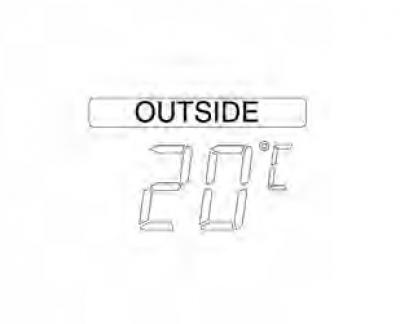
The outside temperature is always displayed in the driver information centre.
The temperature sensor is located in the front bumper area.
Therefore, when driving at low speeds or while idling, the temperature displayed may be affected by heat from the road surface or engine.
Changing Temperature Units
To change the temperature unit, follow these steps:.
1. In the Driver Information Center, press and hold the "SET" button for at least 2 seconds. The temperature unit should start flashing.
2. To change the temperature units (°C↔°F), press the ▼ or ▲ button.