


Contents: Light sensor ↧ Temperature sensor ↧ Automatic temperature control ↧ AUTO button ↧ To set the desired temperature ↧
General description Fully automatic temperature control system (full automatic temperature control, FATC) controls the temperature in the car and provides maximum comfort regardless of the weather, outside temperature and time of year. When operating in automatic mode (AUTO), the system sets the required temperature in the car.
Temperature control is achieved using a built-in cabin sensor, a coolant temperature sensor, a solar radiation sensor and an ambient temperature sensor.
Light sensor
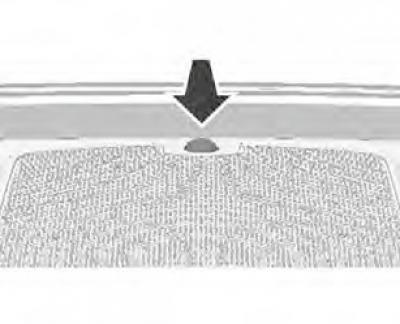
The light sensor is located in front of the windshield blower nozzles. When operating in automatic mode, this sensor reacts to sunlight.
Caution: Do not place labels or other objects on the sensor. This may cause the sensor to malfunction.
Temperature sensor
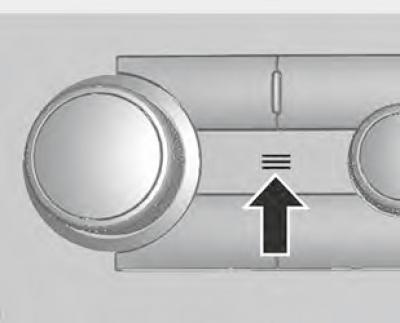
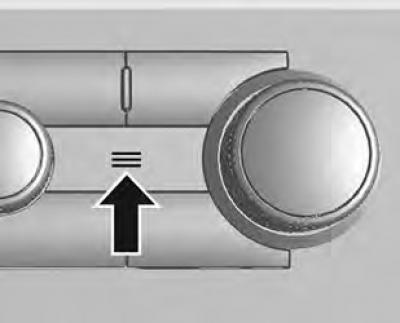
When operating in automatic mode, the information about the temperature in the car's interior obtained using this sensor is used to adjust the ventilation system.
Caution: Do not stick stickers over the temperature sensor as this will hinder its operation.
Automatic temperature control
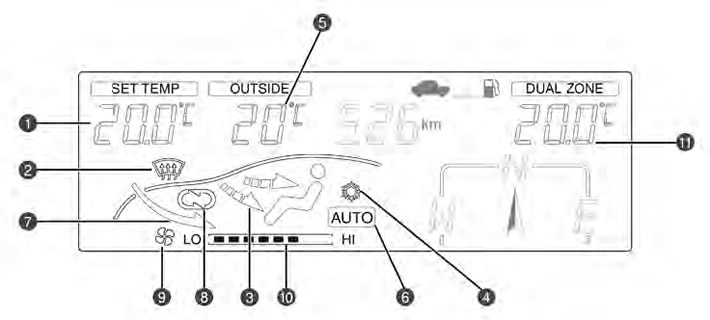
- 1. Selected temperature
- 2. Electric glass heater indicator
- 3. Air distribution mode indicator
- 4. Air conditioning indicator
- 5. Outside air temperature
- 6. Automatic mode indicator
- 7. Indicator of the outside air intake mode
- 8. Air recirculation mode indicator
- 9. Fan operation indicator
- 10. Fan speed indicator
- 11. Dual-zone
If the FATC system operates in automatic mode, you only need to set the desired temperature.
AUTO button
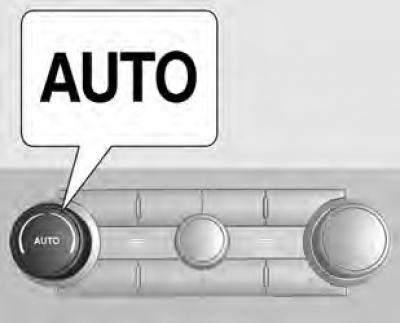
When the AUTO button is pressed, the interior temperature is automatically adjusted to maintain the set temperature. The air distribution mode, fan speed, air conditioning and recirculation mode are controlled automatically by the system.
An automatic mode indicator should appear in the Driver Information Center (DIC), located in the center of the instrument panel.
To set the desired temperature
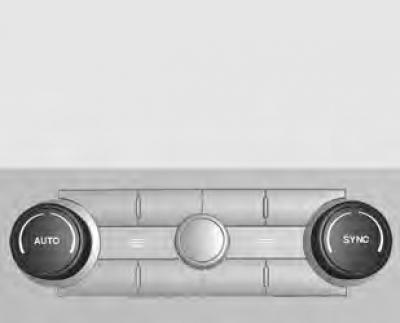
Turn the temperature control knob until the desired temperature appears on the display.
Clockwise: The temperature value increases in 0.5°C increments.
Clockwise: The temperature value increases in 0.5°C increments.
The required temperature can be set in the range from 18°C to 28°C.
Note: When the desired temperature is set to "HI" (maximum) or "Lo" (minimum), the fan will continuously operate at the highest speed even after reaching that temperature. Dual-zone: The temperature can be adjusted separately for the driver and passenger.
Turn the SYNC knob to increase or decrease the passenger temperature. The dual-zone/single-zone display on the DIC display or the navigation page can be switched by pressing the SYNC button.
Press the SYNC button in dual-zone mode to link all climate control settings to the driver's settings.
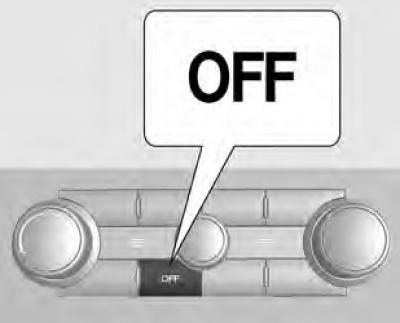
To turn off the system, press the OFF button.
For details, visit the website: ChevyMan.ru