


Fig 3.46 Search menu screen
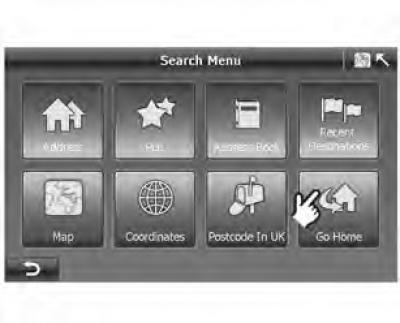
- If the "My Home" location is not specified, then when you click "Go Home" ("Go home"), the system displays a message as in Figure 3.46.
Figure 3.47 Pop-up system window
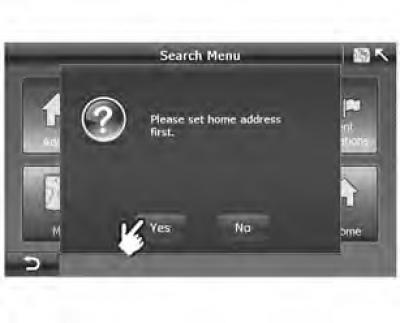
- Click "Yes" and the system will go to the screen "Search Menu" ("Search menu") to set your home address.
Figure 3.49 Route plan screen
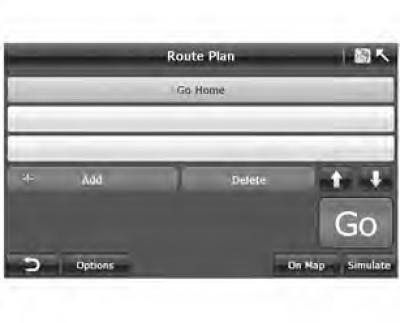
- After entering your home address, the system will go to the screen "Route Plan" ("Route planning").
For more information, see the Route Planning section.
(The article was reprinted from the website chevyman.ru)