ChevyMan.ru
Mazda Mitsubishi Toyota Land Rover Honda Kia Nissan
English Русский
Български
Беларускі
Український
Српски
Hrvatski
Română
Polski
Slovenský
Magyar
|
Articles | Sitemap | Contacts |


Home   Aveo   Captiva   Cruze   Lacetti   Lanos   Niva   Tahoe   Others  
Orlando 1 (2010-2018) Trailblazer 1 (2001-2008, petrol) Lumina 1 (1989-1994)
  • Home
  • Chevrolet
  • Lumina 1
  • Electrical equipment
  • Equipment and devices
  • Replacing lamps in lighting fixtures

Replacing lamps in lighting fixtures (Chevrolet Lumina 1)

            0

Contents: Front of the car ↧ Car interior ↧ Rear of the car ↧

Front of the car


Side light lamp


1. Tilt the headlight housing forward to provide access to the inside (section 12), then unscrew the nuts securing the side light housing (see illustration).
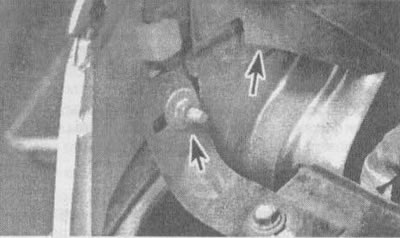
14.1. Position of the nuts securing the side light housing (indicated by arrows)

14.1. Position of the nuts securing the side light housing (indicated by arrows)


2. Push the flashlight body forward, then pull it out to access the bulb holder (see illustration).
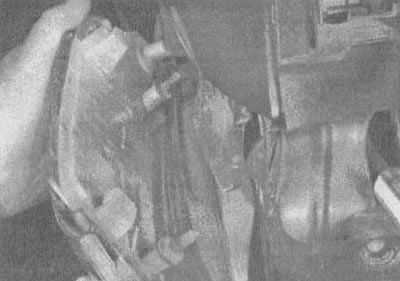
14.2 Push the housing forward to release it from the wing, then pull it back to access the lamp…

14.2 Push the housing forward to release it from the wing, then pull it back to access the lamp holder


3. Detach the lamp holder by turning it counterclockwise, then remove the lamp from the holder (see illustration).
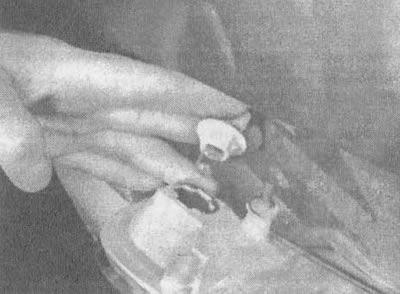
14.3a. Remove the lamp holder from the housing

14.3a. Remove the lamp holder from the housing
14.3b. The lamp is inserted into the holder

14.3b. The lamp is inserted into the holder


Parking light and turn signal lamps


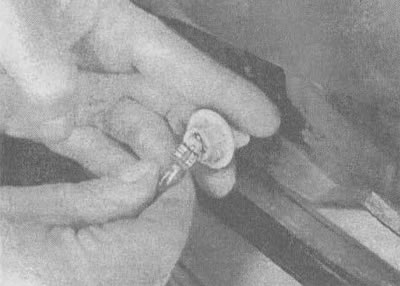
4. Reach under the front bumper, turn the holder counterclockwise and remove it from the housing (see illustration).
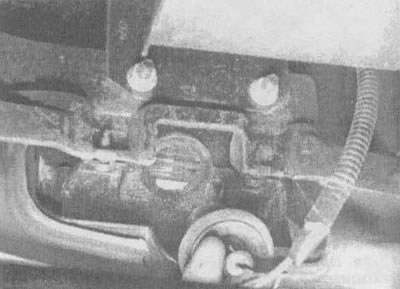
14.4. Reach under the front bumper, grab the lamp holder with your fingers and pull it out of the…

14.4. Reach under the front bumper, grab the lamp holder with your fingers and pull it out of the housing


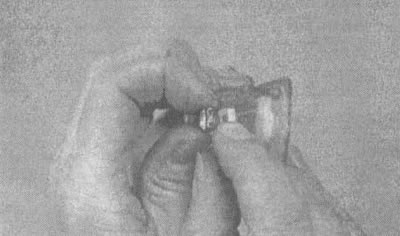
5. Remove the lamp from the holder (see illustration).
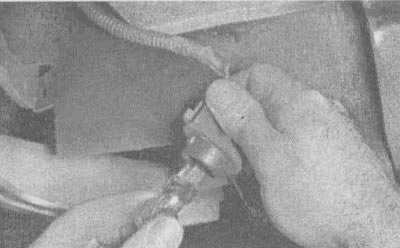
14.5. Using your fingers, remove the lamp from the holder

14.5. Using your fingers, remove the lamp from the holder


Car interior


Threshold lighting lamp


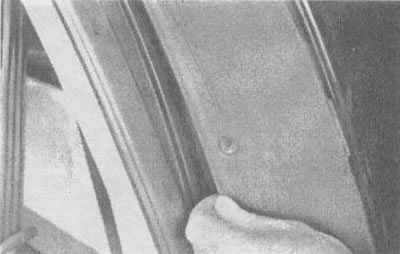
6. Remove the flashlight housing using a small screwdriver (see illustration).
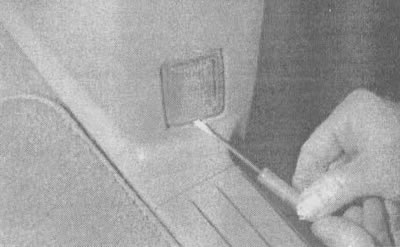
14.6. Use a small screwdriver to remove the lamp

14.6. Use a small screwdriver to remove the lamp


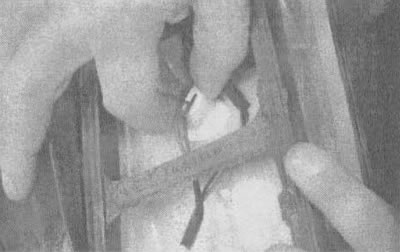
7. Disconnect the electrical connector, release the retaining clip of the end of the lamp and unscrew the lamp from the housing (see illustrations).
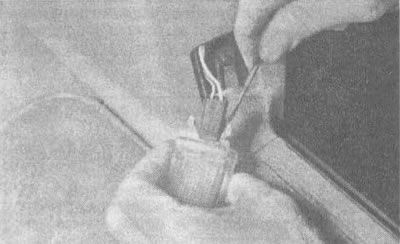
14.7a. Disconnect the electrical connector using a screwdriver

14.7a. Disconnect the electrical connector using a screwdriver
14.7b. The lamp base is installed in a socket in the housing

14.7b. The lamp base is installed in a socket in the housing

Interior light


8. Use a small screwdriver to remove the lens (see illustration).
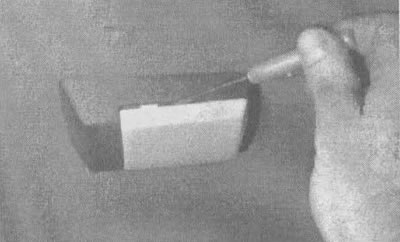
14.8 Remove the lens using a small screwdriver

14.8 Remove the lens using a small screwdriver


9. Release the lamp from the retaining contacts (see illustration).
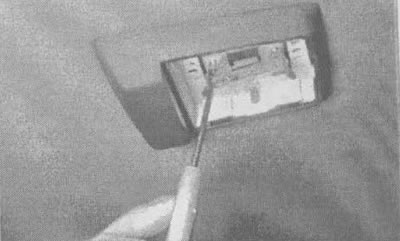
14.9 Using a small screwdriver, carefully bend the clip at the end of the lamp

14.9 Using a small screwdriver, carefully bend the clip at the end of the lamp


Individual illumination lamp


10. Remove the lens and lamp, then use pliers to loosen the nuts and lower the lamp housing (see illustration).
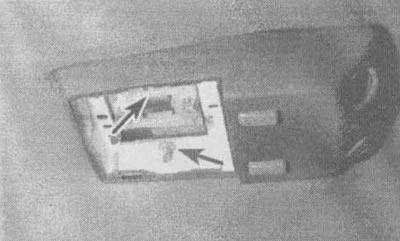
14.10 Using pliers, remove the compression nuts (indicated by arrows) and lower the casing

14.10 Using pliers, remove the compression nuts (indicated by arrows) and lower the casing


11. Remove the lamp holder from the housing, then remove the lamp by pressing it and turning it counterclockwise (see illustration).
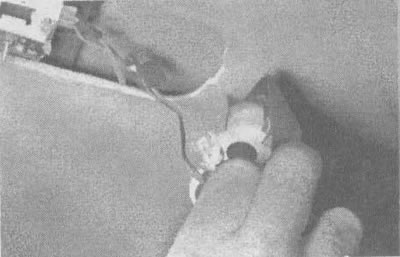
14.11. Disconnect the holder from the housing, then remove the lamp

14.11. Disconnect the holder from the housing, then remove the lamp


Instrument panel light


12. To gain access to the instrument panel lights, you must first remove the instrument panel (see section 16). To remove the lamp holder, turn it counterclockwise and pull it out from the board (see illustration). To remove the lamp from the socket, simply pull it out.
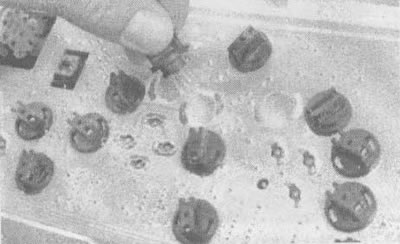
14.12. Turn the lamp and remove it from the board

14.12. Turn the lamp and remove it from the board


Rear of the car


Rear lights


13. Unscrew the two screws on the side of the case (see illustration).
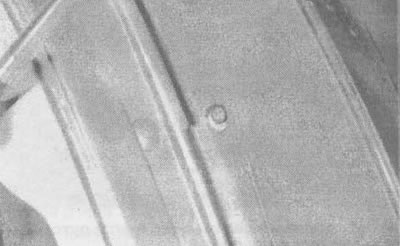
14.13. To unscrew the two screws securing the rear light cover, you will need a Phillips screwdriver

14.13. To unscrew the two screws securing the rear light cover, you will need a Phillips screwdriver


14. Press the two clamps and, turning, remove the casing, opening access to the cartridges (see illustration).
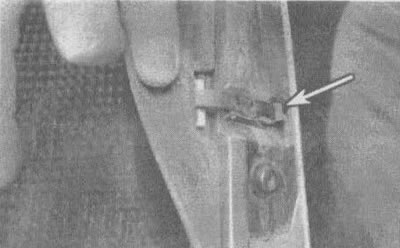
14.14a. Release both housing mounting clamps (shown by arrow)

14.14a. Release both housing mounting clamps (shown by arrow)
14.14b. Turn and remove the flashlight housing

14.14b. Turn and remove the flashlight housing


15. Turn the cartridge counterclockwise to remove it from the housing (see illustration).
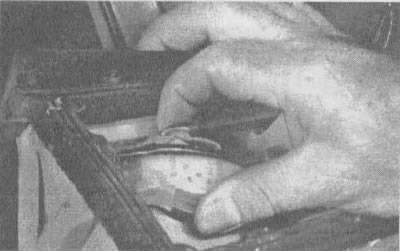
14.15a. For some lamps, it is necessary to press the clamp, then turn the socket counterclockwise…

14.15a. For some lamps, it is necessary to press the clamp, then turn the socket counterclockwise and remove it
14.15b. The sockets of smaller lamps can be simply turned and removed

14.15b. The sockets of smaller lamps can be simply turned and removed

16. Remove the lamp from the socket (see illustration).
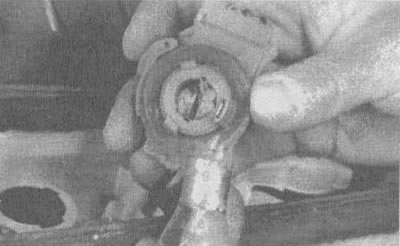
14.16a. Large lamps are removed by pressing and turning them

14.16a. Large lamps are removed by pressing and turning them
14.16b. Smaller lamps are simply pulled out of the holder

14.16b. Smaller lamps are simply pulled out of the holder

Duplicate lights


17. Remove the rear license plate.

18. Unscrew the two screws and remove the flashlight housing (see illustration).
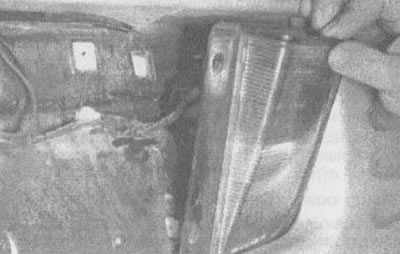
14.18. Disconnect the screws and the housing of the backup lamp

14.18. Disconnect the screws and the housing of the backup lamp


19. Turn the lamp holder counterclockwise to remove it from the housing (see illustration).
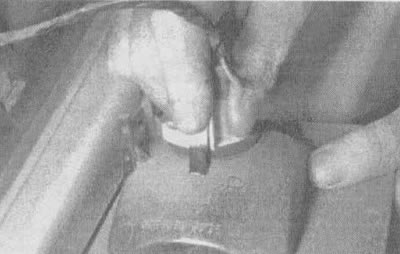
14.19. Turn the lamp holder counterclockwise and remove it from the casing

14.19. Turn the lamp holder counterclockwise and remove it from the casing


20. Remove the lamp from the socket (see illustration).
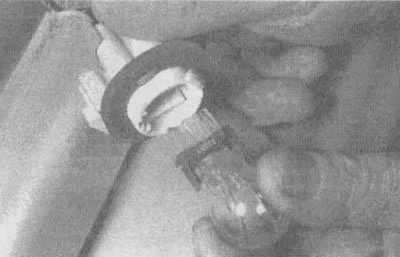
14.20. The lamp is removed from the socket

14.20. The lamp is removed from the socket


License plate light


21. Remove the license plate.

22. Remove the two Torx head screws and detach the light.

23. Remove the socket from the housing, then take out the lamp.

For details, visit the website «ChevyMan»

The article was checked: Vladimir Romannikov
This article is available at russian, bulgarian, belarusian, ukrainian, serbian, croatian, romanian, polish, slovak, hungarian

Share information:

Previous articles
Lumina 1: Equipment and devices
Next articles

Headlight adjustment
Replacing headlight bulbs
Removal and installation the windshield wiper and washer switch
Removal and installation the headlight switch
Replacing the ignition lock cylinder
Removal and installation the radio and speakers
Removal and installation the instrument panel
Checking and repairing the rear window defroster
Removal and installation the windshield wiper motor
Removal and installation the rear window wiper motor


See similar articles on the topic of Chevrolet cars:
Checking external lighting fixtures Chevrolet Aveo T300 (2012-2018)
Replacing lamps Chevrolet Captiva 1 (2006-2018)
Checking external lighting fixtures Chevrolet Cruze 1 (2008-2016)
Replacement of outdoor lighting lamps Chevrolet Lacetti 1 (2002-2009)
Replacement of outdoor lighting lamps Chevrolet Lanos T150 (2002-2009)
Replacing lamps Chevrolet Niva 1 (2002-2016)
Replacing lamps in lighting fixtures Chevrolet Tahoe 2 and 3 (2000-2014)
Link in different formats to this page


Visitor comments

No comments yet


How much will 15 + 40 =


Orlando 1 (2010-2018) 
  • General information
  • Introduction to manual
  • User manual
  • Maintenance
  • Troubleshooting
  • Power unit
  • Engine repair
  • Fuel and control system
  • Cooling and lubrication system
  • Ignition system
  • Transmission
  • Clutch
  • Gearbox
  • Drive shafts
  • Chassis
  • Car suspension
  • Steering
  • Brake system
  • Body
  • Exterior (external elements)
  • Doors, locks and windows
  • Electrical equipment
  • Equipment and devices
  • Windscreen wipers
  • Power devices
  • Electrical diagrams


Trailblazer 1 (2001-2008) 
  • General information
  • User manual
  • Troubleshooting
  • Maintenance
  • Power unit
  • Engine in a car
  • Engine overhaul
  • Cooling and heating
  • Fuel and exhaust system
  • Engine electrical equipment
  • Engine control
  • Transmission
  • Automatic gearbox
  • Transfer case
  • Drive shafts and cardan
  • Chassis
  • Brake system
  • Car suspension
  • Steering
  • Body
  • Exterior (external elements)
  • Interior (internal elements)
  • Doors, locks and windows
  • Electrical equipment
  • Equipment and devices
  • Electrical circuits


Lumina 1 (1989-1994) 
  • General information
  • Maintenance
  • Power unit
  • Engine 3.1L V6
  • Engine 3.8L V6
  • Engine overhaul
  • Cooling system
  • Power and exhaust system
  • Fuel injection
  • Engine electrical equipment
  • Reduced exhaust gas toxicity
  • Transmission
  • Automatic gearbox
  • Drive shafts
  • Chassis
  • Brake system
  • Car suspension
  • Steering
  • Body
  • Heating and air conditioning
  • Repair of body elements
  • Doors, covers and windows
  • Interior (internal elements)
  • Electrical equipment
  • Equipment and devices
  • Electrical circuits


ChevyMan.ru © 2017-2026 · Mobile version · Feedback · Site search · Interesting to read · Sitemap: EN BG BY UA RS HR RO PL SK HU

Aveo 2003-2008 · Aveo 2006-2011 · Aveo 2012-2018 · Captiva 2006-2018 · Cruze 2008-2016 · Lacetti 2002-2009 · Lanos 2002-2009 · Niva 2002-2016 · Tahoe 1992-2000 · Tahoe 2000-2014 · Lumina 1 1989-1994 · Trailblazer 1 2001-2008 · Orlando 1 2010-2018 ·
🛡️ For your security and to improve our service, this site uses cookies. You can disable them in your browser.