Contents: Speedometer ↧ Tachometer ↧ Odometer ↧ Fuel level indicator ↧ Coolant temperature gauge ↧ On-board computer (optional) ↧ "Maximum mileage" mode ↧ "Ambient temperature" mode ↧ Mode "average speed" ↧ "Travel time" mode ↧
Speedometer
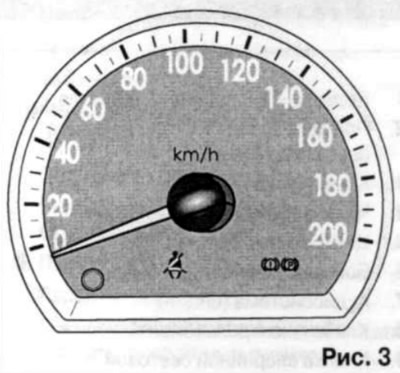
The instrument arrow indicates the vehicle's speed in kilometers per hour (km/h).
Tachometer
The instrument arrow indicates the engine crankshaft speed in revolutions per minute (rpm).
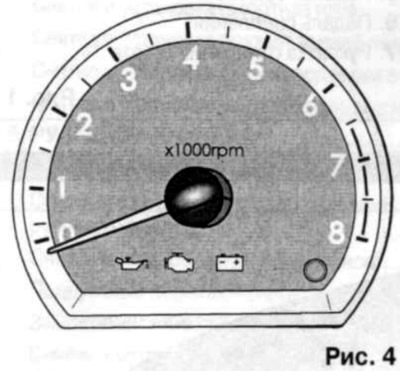
Try to avoid running the engine at high speeds (red zone). This may result in engine damage.
Odometer
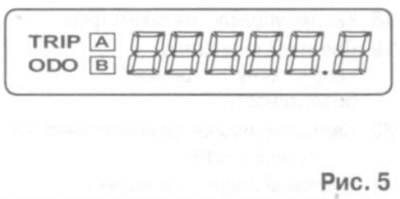
The odometer screen can display the total mileage of the vehicle or the mileage for a certain period. To switch the trip meter modes, press the odometer control button once. Holding this button resets the meter readings to zero.
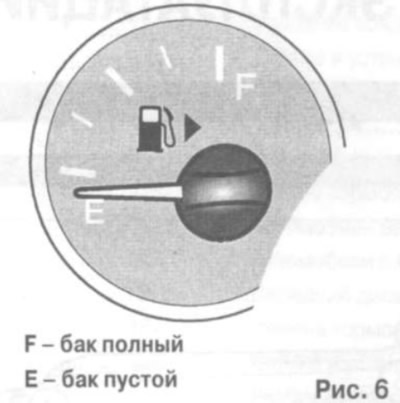
Fuel level indicator
The indicator arrow shows the approximate fuel level in the tank.
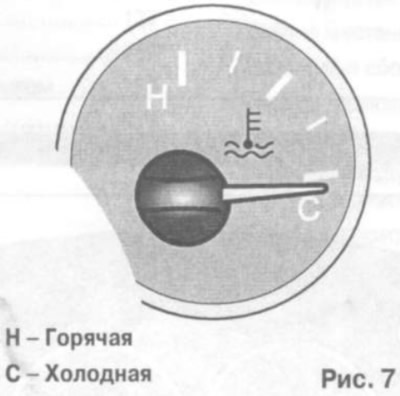
Coolant temperature gauge
Make sure that the pointer is always between the "C" (Cold) and "H" (Hot) marks. If the pointer exceeds the "H" mark, stop the car immediately and turn off the engine. Open the hood and check the coolant level in the expansion tank and the condition of the water pump drive belt.
On-board computer (optional)
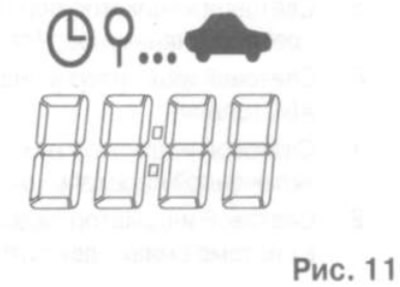
An on-board computer is a driver information device that displays vehicle driving data such as the distance that can be traveled on the remaining amount of fuel, ambient temperature, average speed and driving time.
Each time you press the on-board computer control button, the display changes in the following order:
- maximum mileage;
- ambient temperature;
- average speed of movement;
- travel time.
The on-board computer control button is located in the lower right sector of the tachometer.
"Maximum mileage" mode
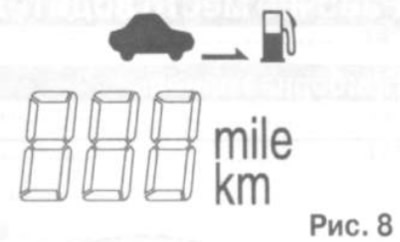
In this mode, the display shows the number of kilometers the car can travel on the remaining fuel supply. When the power reserve is 50 km, the display shows the symbol "- — -".
"Ambient temperature" mode
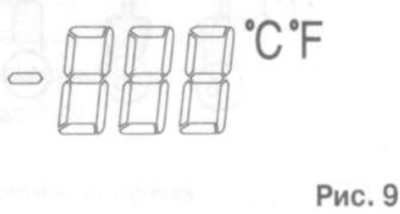
In this mode, the display shows the outside temperature. Holding the odometer control button and pressing the trip computer control button changes the temperature units.
Mode "average speed"
In this mode, the display shows the average speed of the vehicle. When you hold down the on-board computer control button, the average speed is reset.
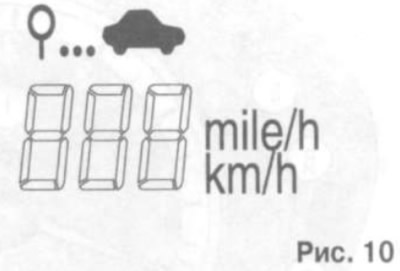
"Travel time" mode
In this mode, the display shows the total trip time. Holding down the trip computer control button resets the trip time value to zero.