


Release the parking brake and release the brake pedal. Slowly press the accelerator pedal and smoothly move the car from the spot.
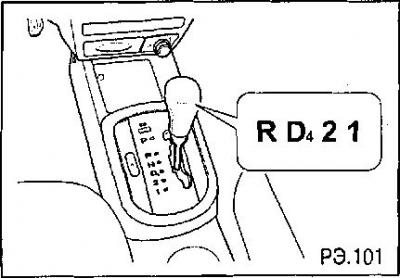
Transmission Hold Mode
The hold mode switch allows you to operate the automatic transmission in the same manner as a manually controlled transmission (MCC). To activate the hold mode, press the switch located on the console and the HOLD indicator light on the instrument panel will illuminate. Press the switch again to return to normal mode. The indicator light will turn off.
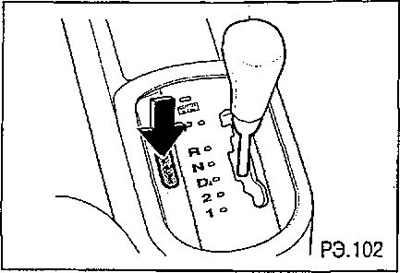
When the hold mode is engaged, the automatic transmission engages the following gears (see table).
| Selector lever position | Transmission range |
| "D4" | 3 |
| "2" | 2 |
| "1" | 1 |
[Information taken from the official website chevyman.ru]